Ziggy Feature Overview

Flows and Blocks
See Ziggy Blocks and Flows for information about flow building process.

Launch flows with API calls
Each flow can be run from the Ziggy UI or with an API call. Pass in data that should be processed by the flow.
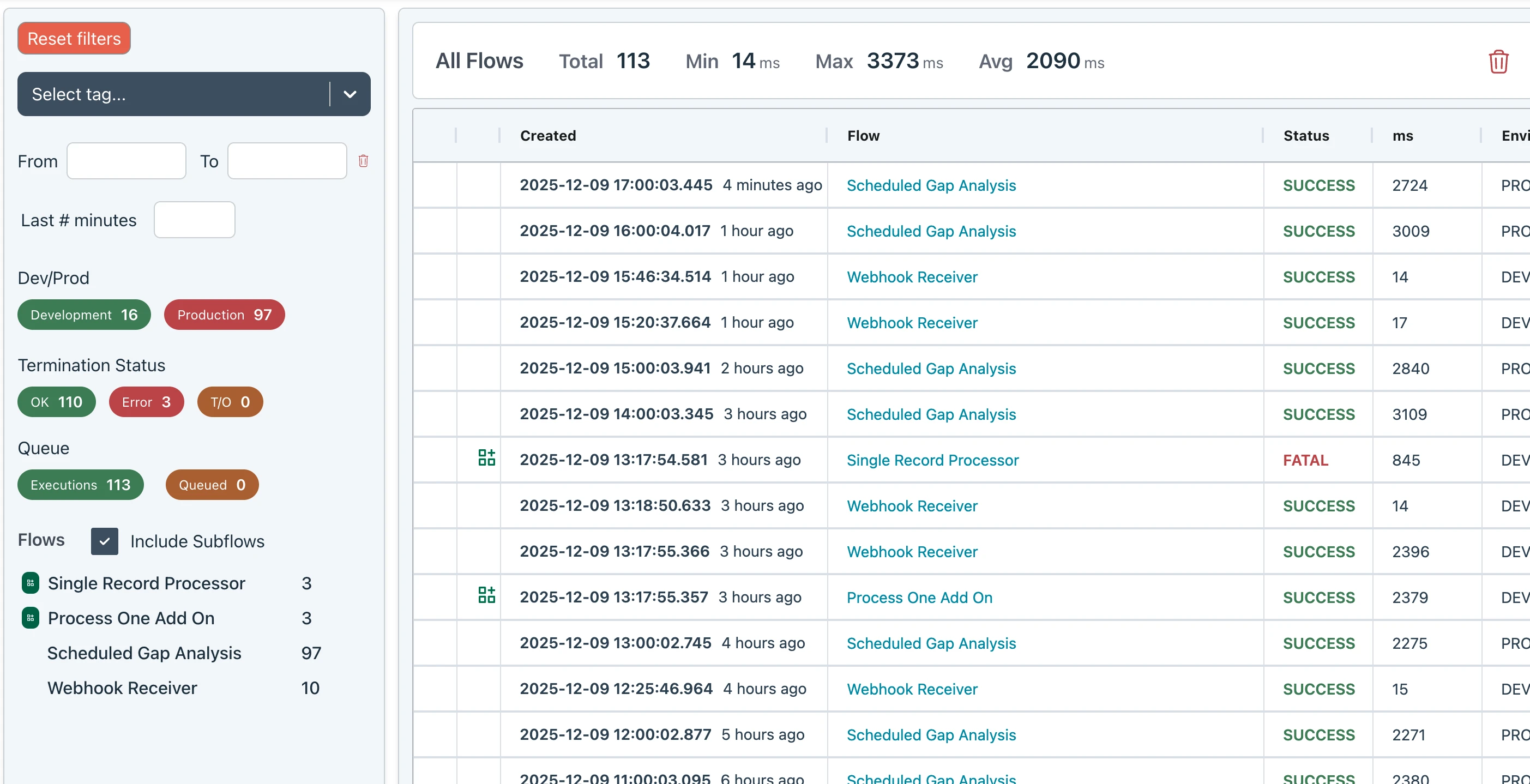
Execution History
You have the option of storing successful and/or failed flow executions to a history log. These can then be viewed in a browser.
You can even open up failed flows to see where and why they failed.
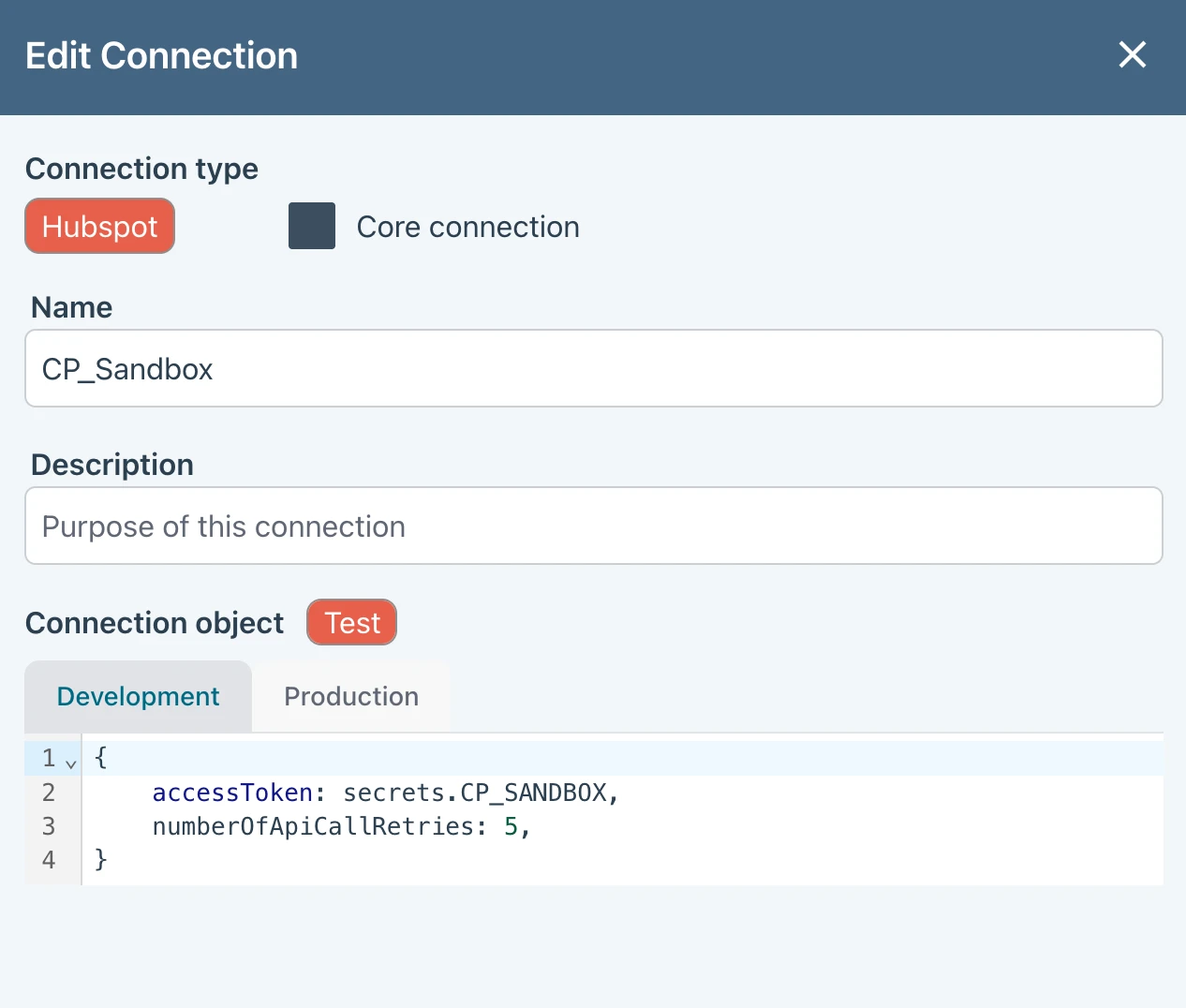
Development & Production
Create development and production Connection and Secret configurations then toggle between these in your flow for testing or making changes
Alternatively, use a dev or staging server (these are free) and transfer flows between them.
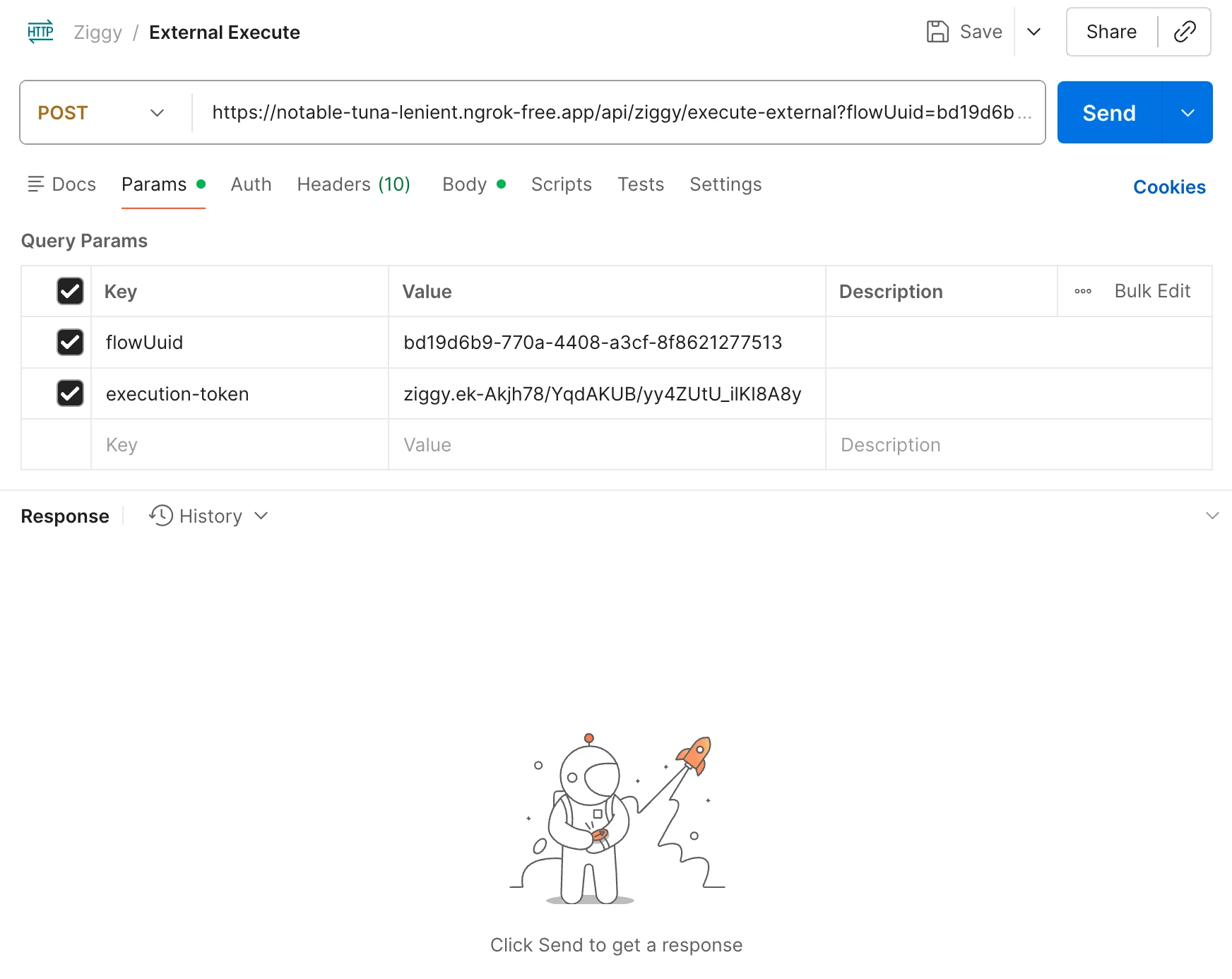
Launch flows with API calls
Each flow can be run from the Ziggy UI or with an API call. Pass in data that should be processed by the flow.
Execution History
You have the option of storing successful and/or failed flow executions to a history log. These can then be viewed in a browser.
You can even open up failed flows to see where and why they failed.
Development & Production
Create development and production Connection and Secret configurations then toggle between these in your flow for testing or making changes
Alternatively, use a dev or staging server (these are free) and transfer flows between them.
How we use AI
We use AI extensively but judiciously. AI never runs during flow execution other than our Generative AI block.
This ensures that you can be 100% confident that hallucinations and variations will never impact the integrity of your flow or its data.

Extend Ziggy with Custom Blocks
Ziggy's plugins allow you to build your own block collection that do everything you need to connect to any system, including your own platform.
Learn More
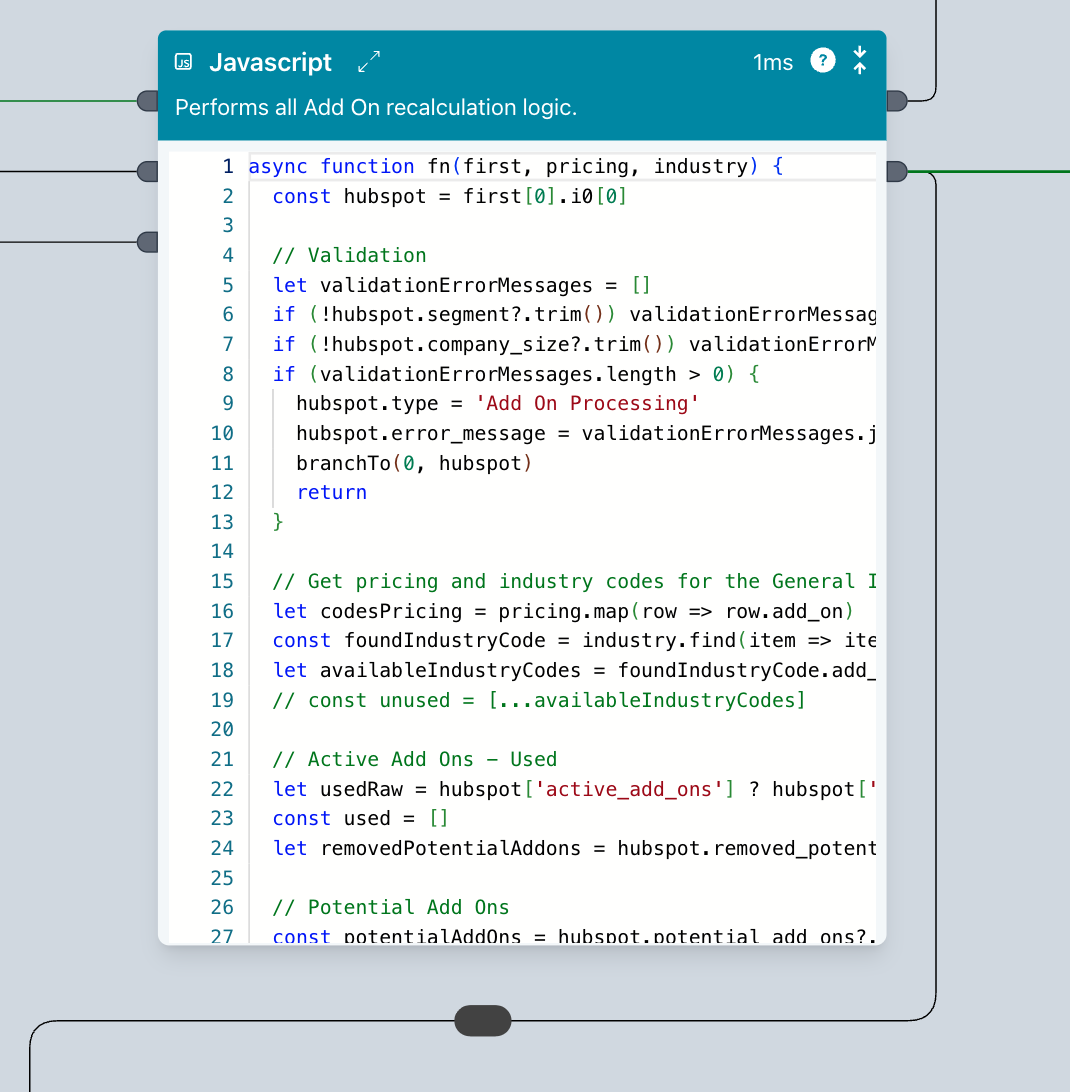
AI supported Javascript block
This is a "do anything" block. You don't need to be a developer to use the Javascript block. It's fully AI supported letting you generate code and explain it, too.
And it uses the data from the incoming edge to help produce the best possible results when developing.
Basic features
Code completion, linting, full screen editor
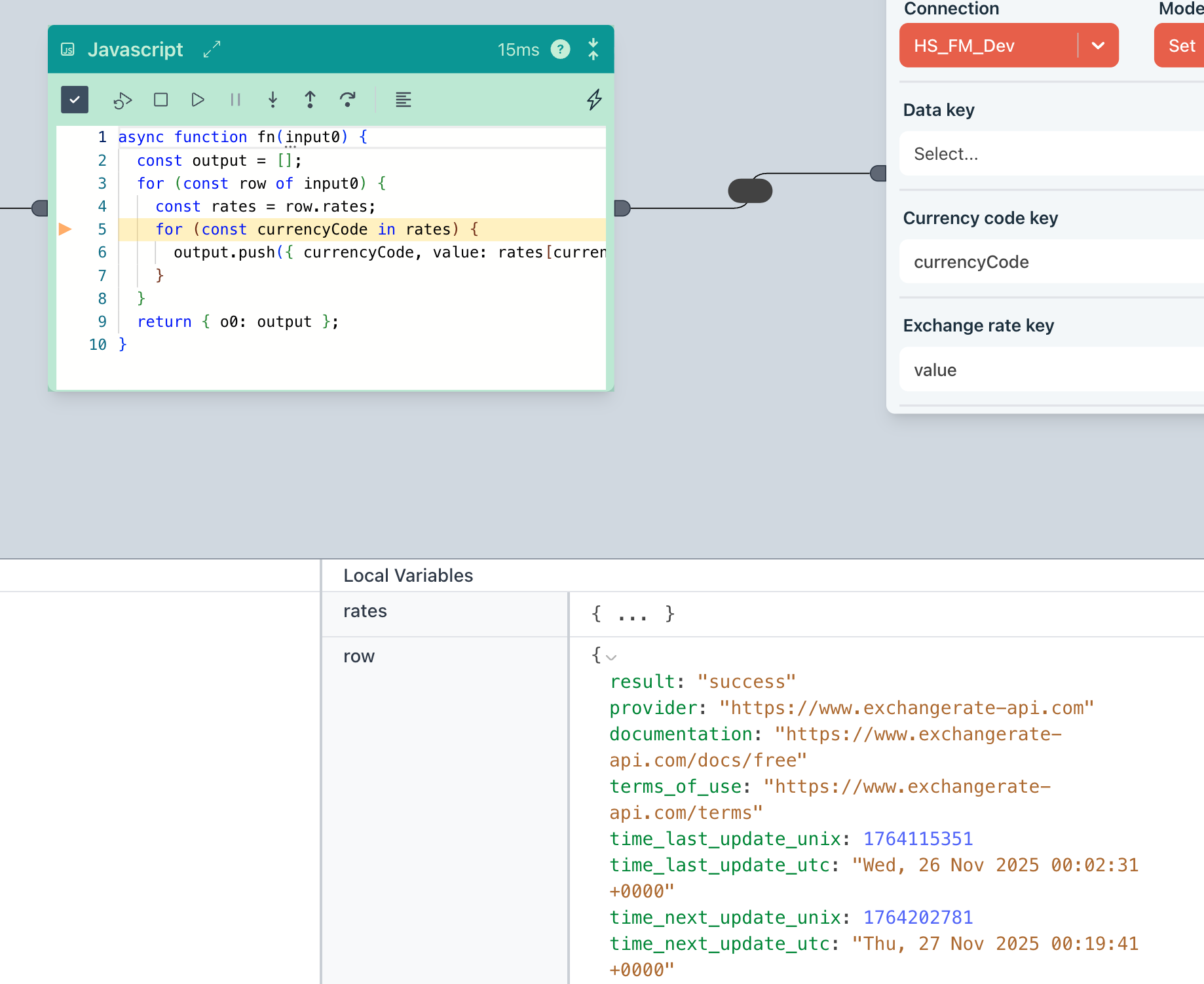
Debugger
Comes with a fully integrated debugger, letting you step through your code and inspect variables
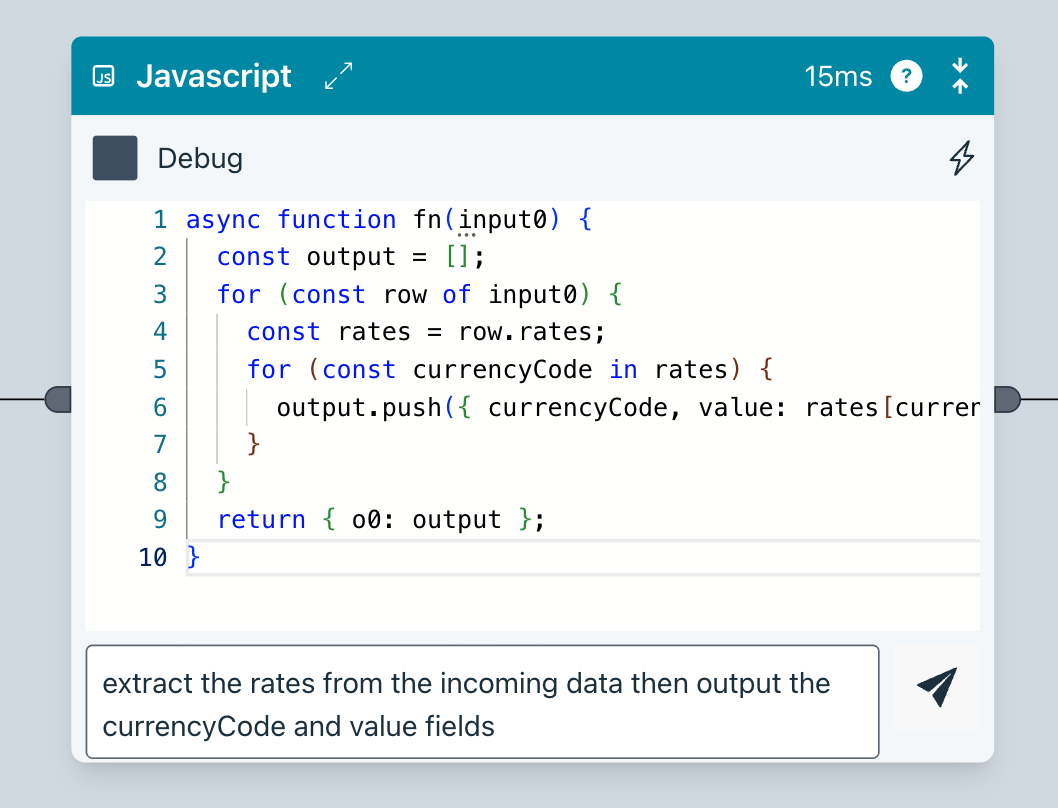
AI Code generation
Ziggy will generate code from your instructions. It also understands the data in your flow to ensure it has the full context.
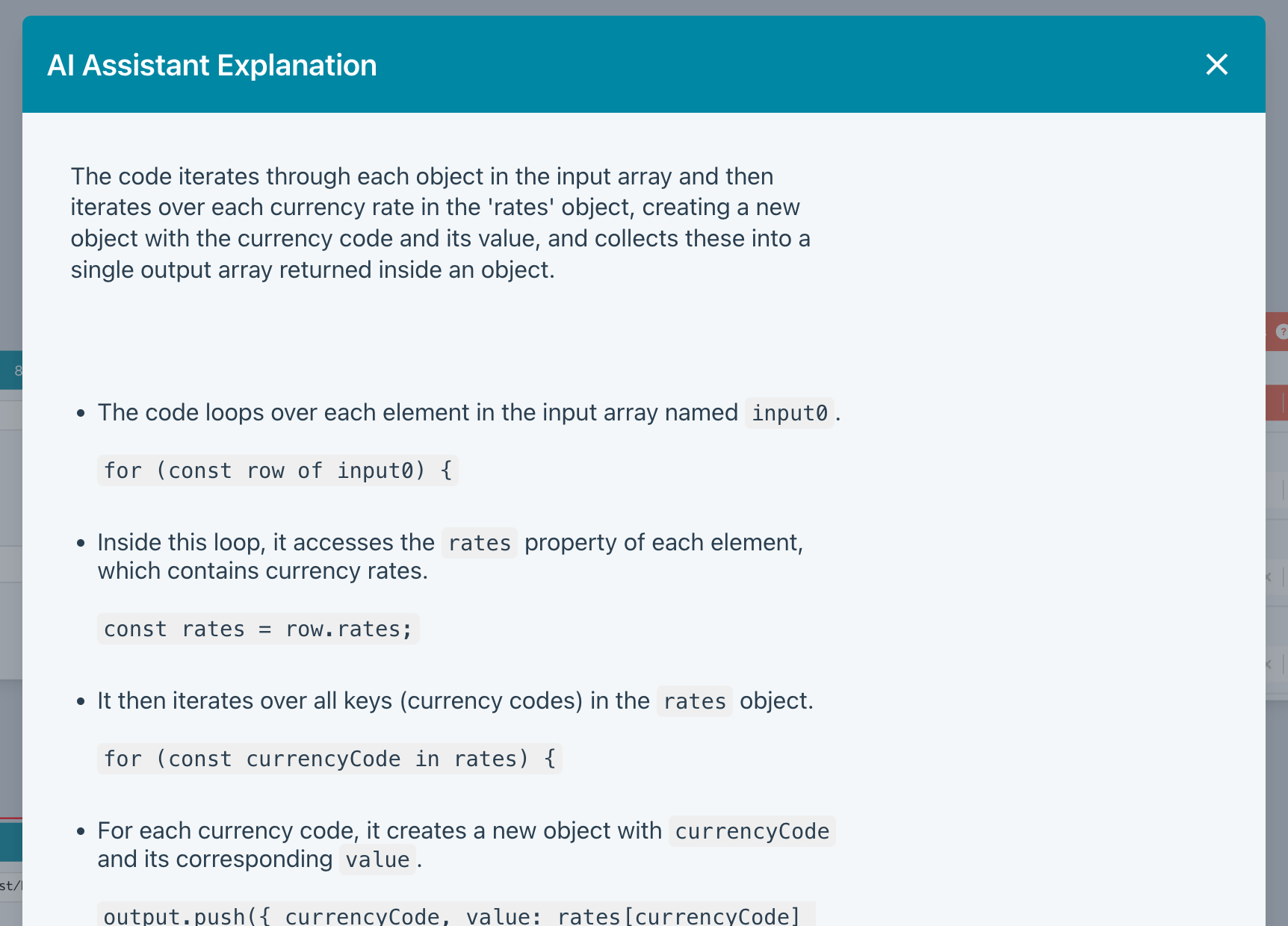
AI Explain
Not sure what's going on? AI Explain will put you out of your misery.
Rate Limiting
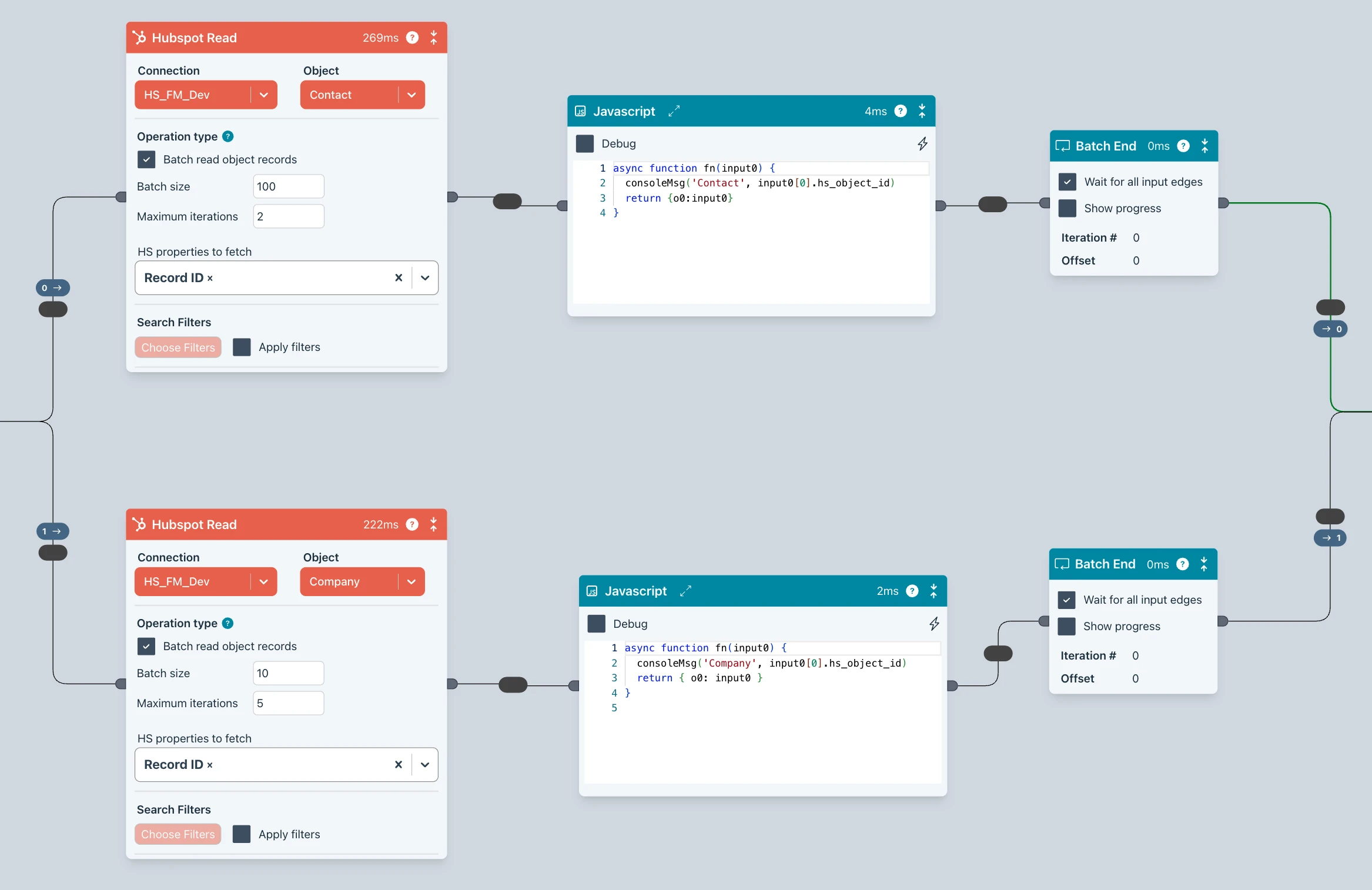
Create special rate limit queues that ensure you don't exceed any 3rd party platform limits.
Batching
When reading or writing large numbers of records, making batch calls increases throughput significantly and ensure you don't overload a platform or database.
This is all baked into Ziggy so flows are both fast and safe.
Data Store
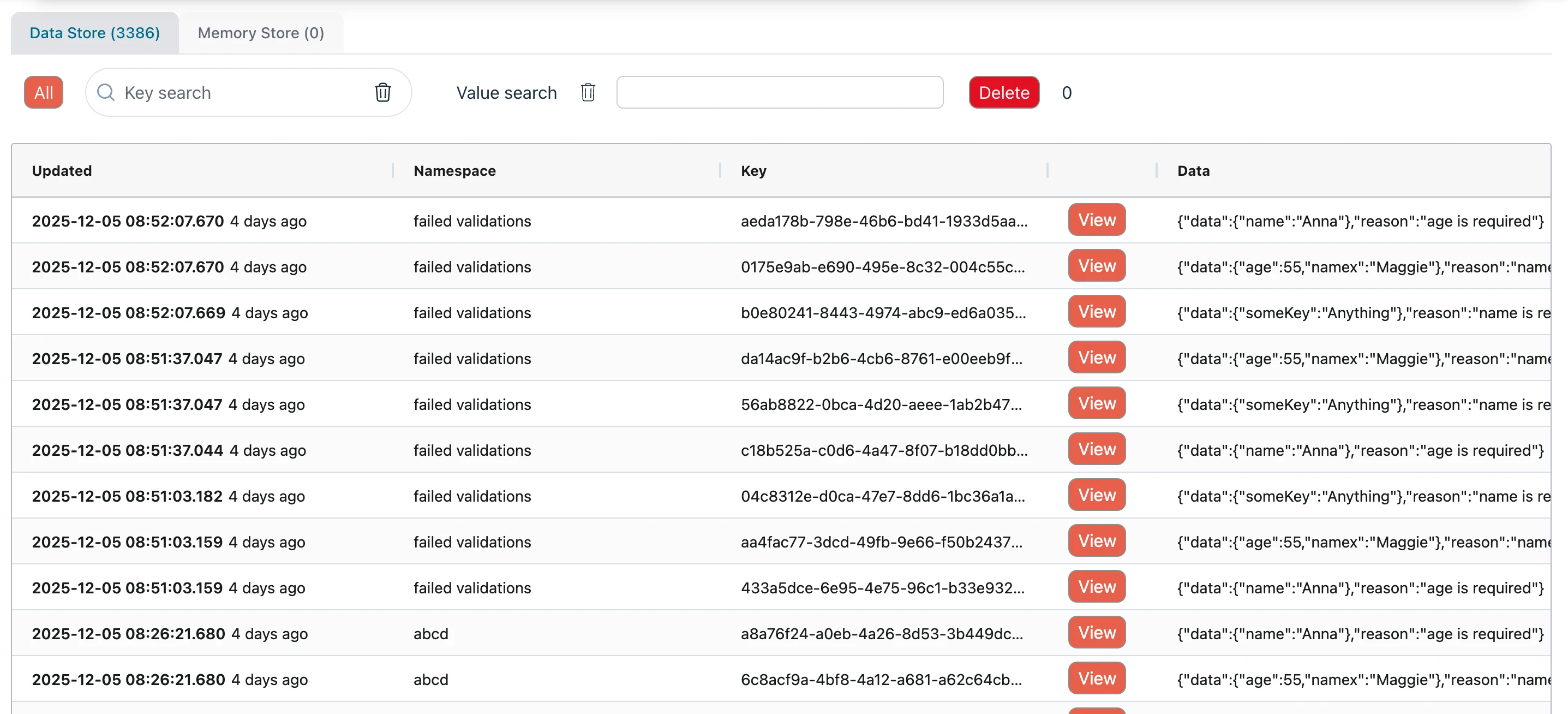
Ziggy comes with a fast internal data store. This is a great place to write data for processing later or in other flows.
You can also use external stores (DynamoDB, ElastiCache, Cosmos) and regular databases.
Scheduler
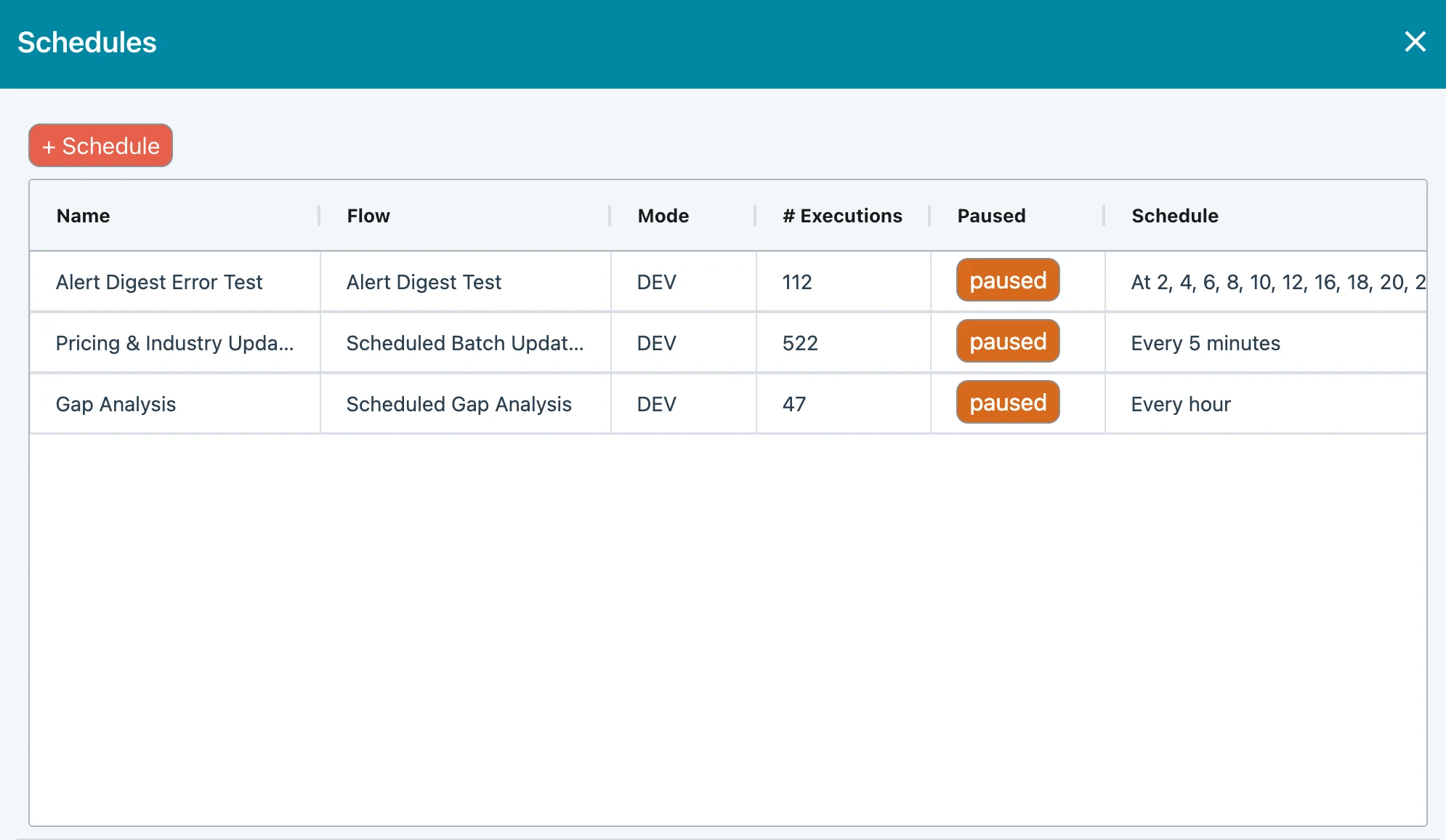
Ziggy has an integrated scheduler that launches flows. For example, schedule daily reads from SFTP servers or update a data warehouse every hour.
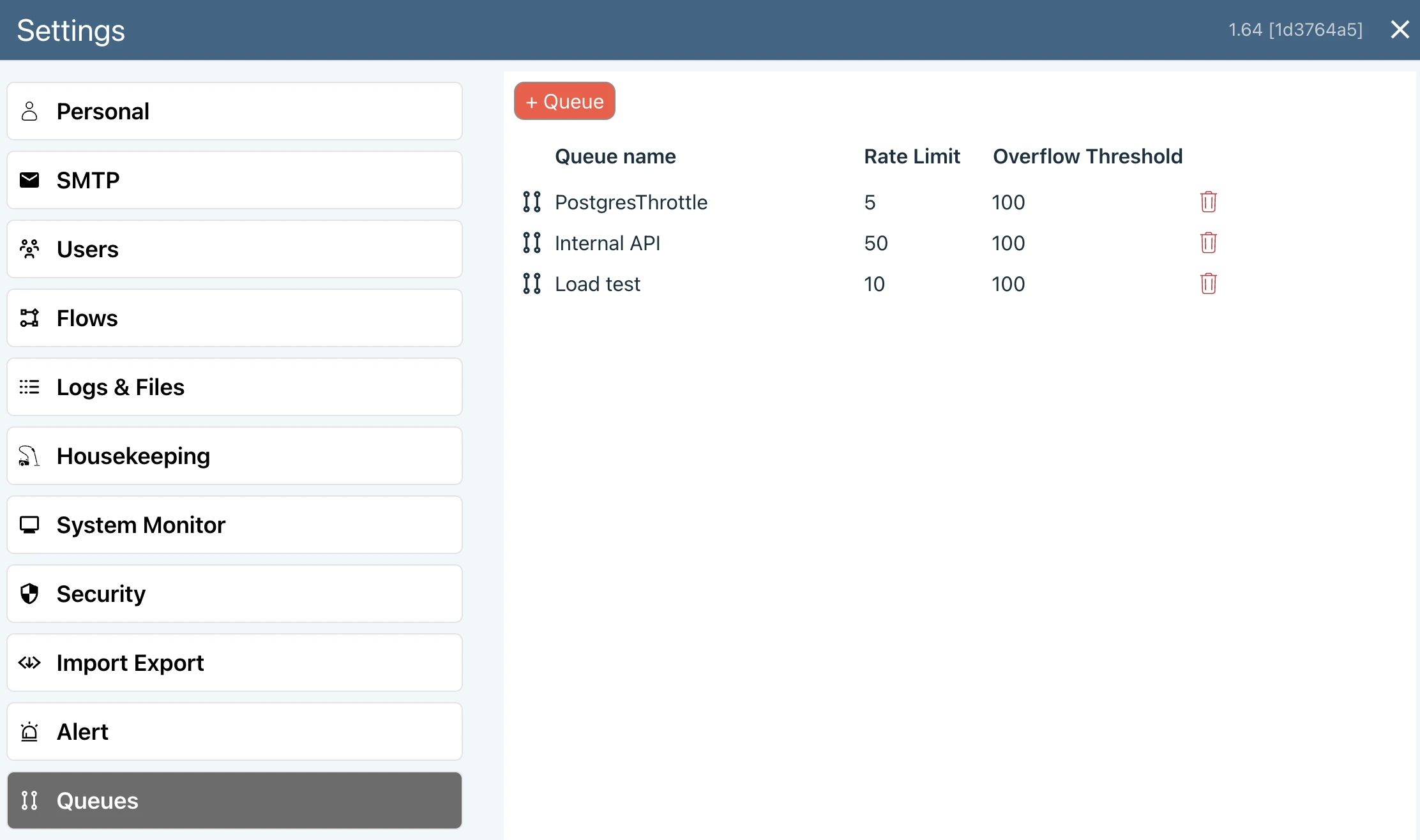
Rate Limiting
Create special rate limit queues that ensure you don't exceed any 3rd party platform limits.
Batching
When reading or writing large numbers of records, making batch calls increases throughput significantly and ensure you don't overload a platform or database.
This is all baked into Ziggy so flows are both fast and safe.
Data Store
Ziggy comes with a fast internal data store. This is a great place to write data for processing later or in other flows.
You can also use external stores (DynamoDB, ElastiCache, Cosmos) and regular databases.
Scheduler
Ziggy has an integrated scheduler that launches flows. For example, schedule daily reads from SFTP servers or update a data warehouse every hour.
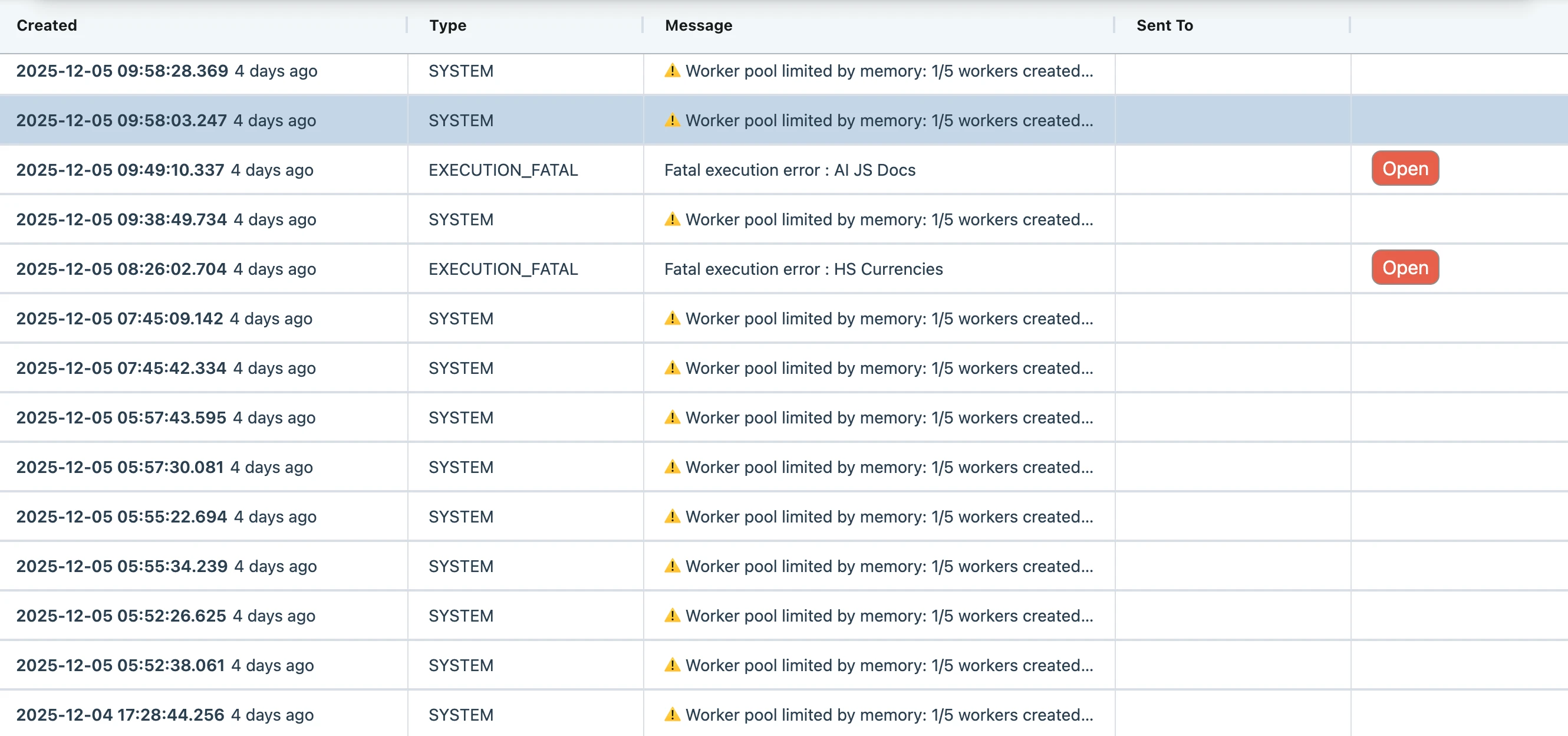
Alerts and Logging
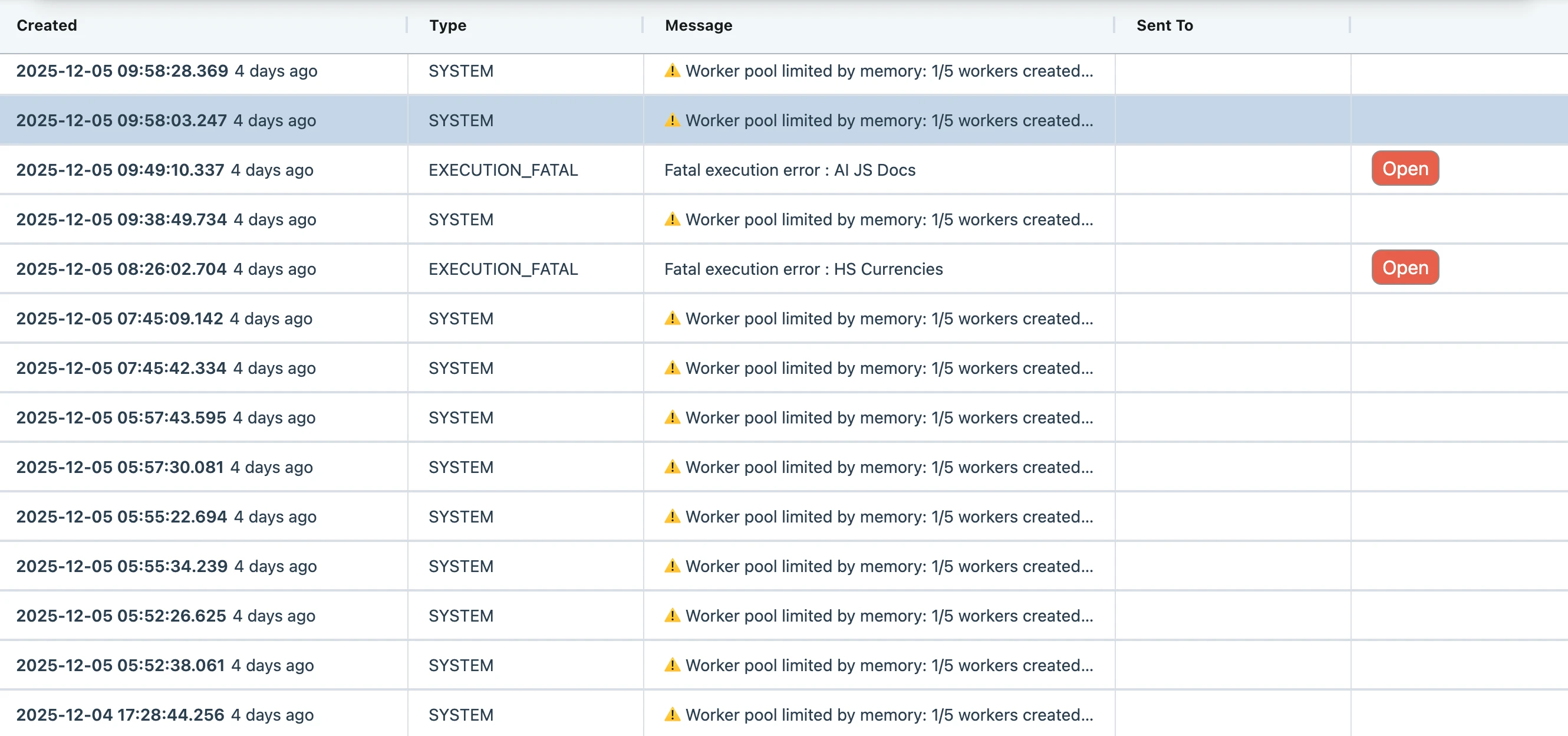
Configure email and SMS alerts, which come as digests on a schedule you choose.
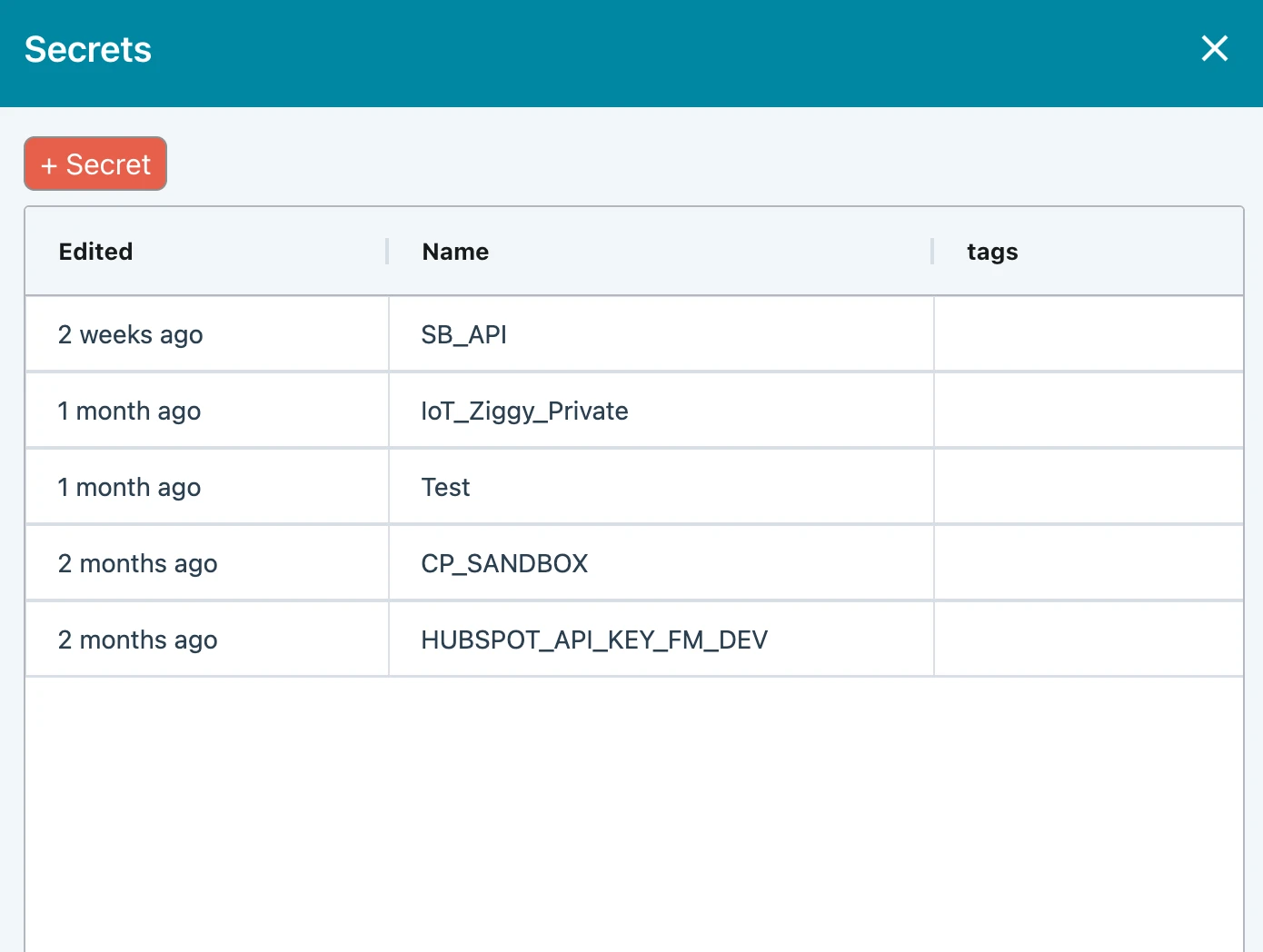
Secrets Management
Store and manage your secrets, fully encrypted, in Ziggy and reference from your flows. You can optionally configure a development/production pair.
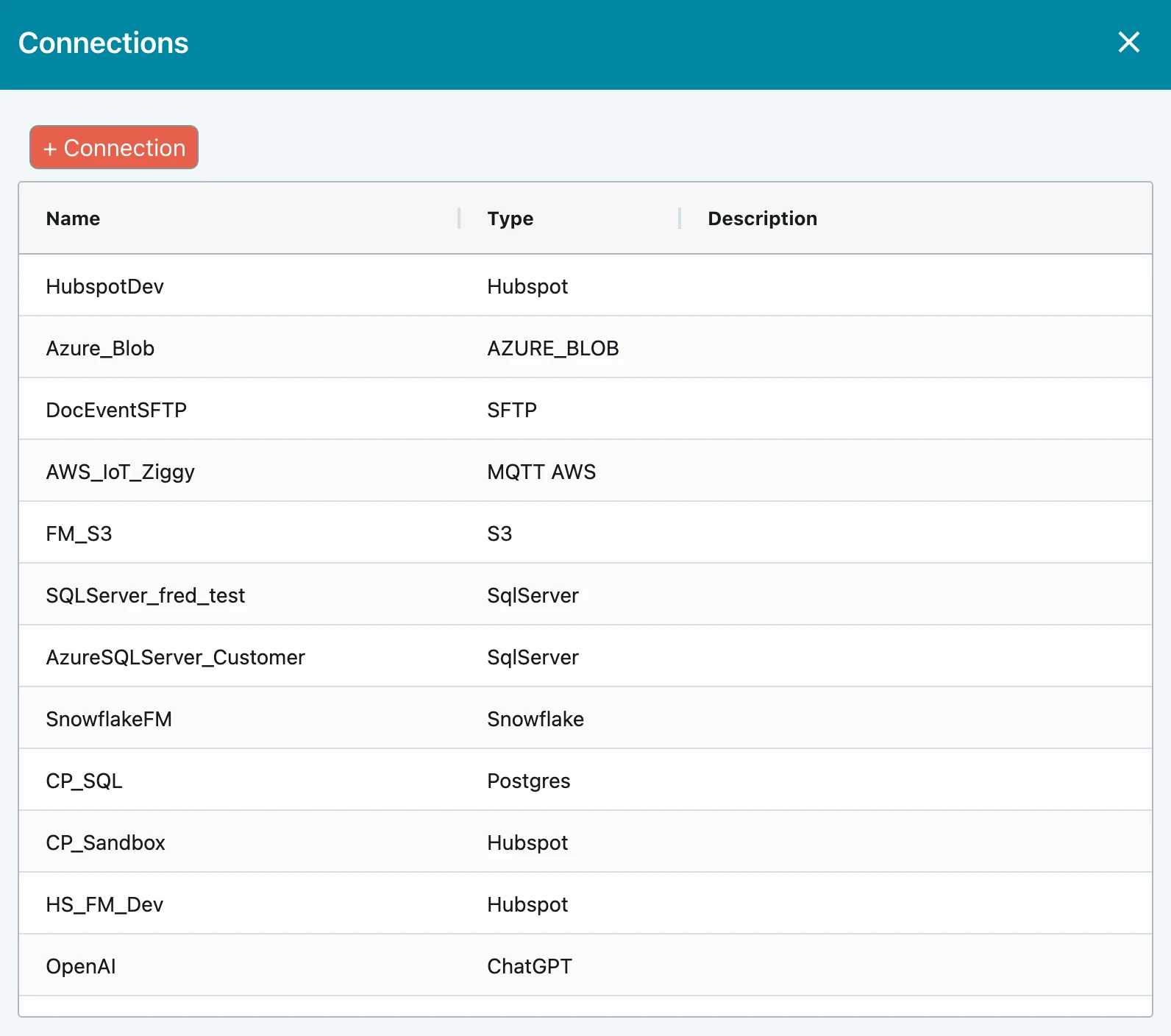
Connections
Store and manage your connection parameters and reference from your flows. You can optionally configure a development/production pair.
Alerts and Logging
Configure email and SMS alerts, which come as digests on a schedule you choose.
Secrets Management
Store and manage your secrets, fully encrypted, in Ziggy and reference from your flows. You can optionally configure a development/production pair.
Connections
Store and manage your connection parameters and reference from your flows. You can optionally configure a development/production pair.
Performance Features
Ziggy lets you tune, monitor and manage performance in various ways. There's even an internal load tester.
Performance tuning
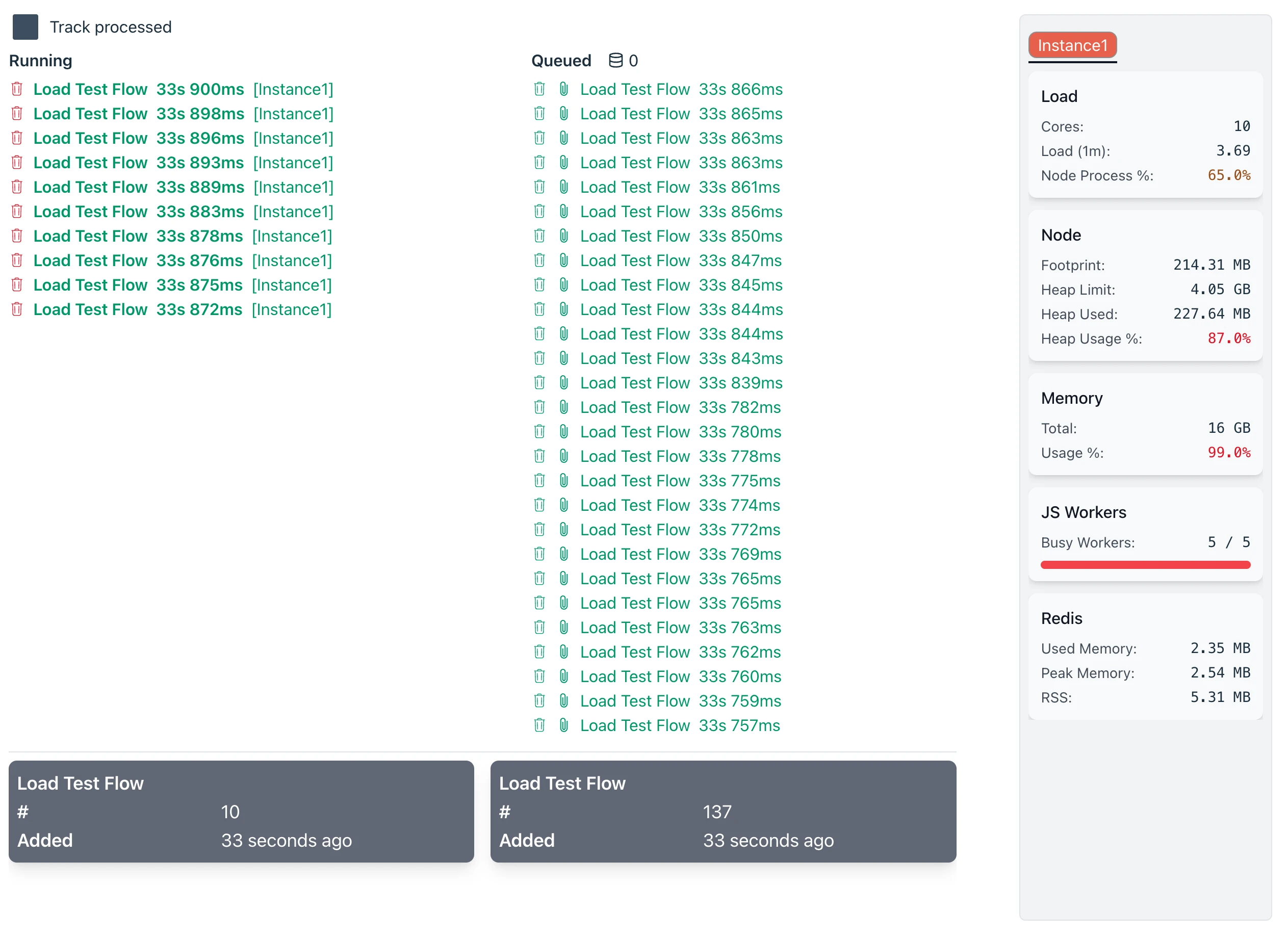
Tune number of parallel executing flows, system queue sizes, Javascript worker pool size. Then use the load tester to see the results. Rinse and repeat.
Clustering
Configuring a Ziggy Cluster is easy. Add multiple instances and optionally configure an external database cluster.
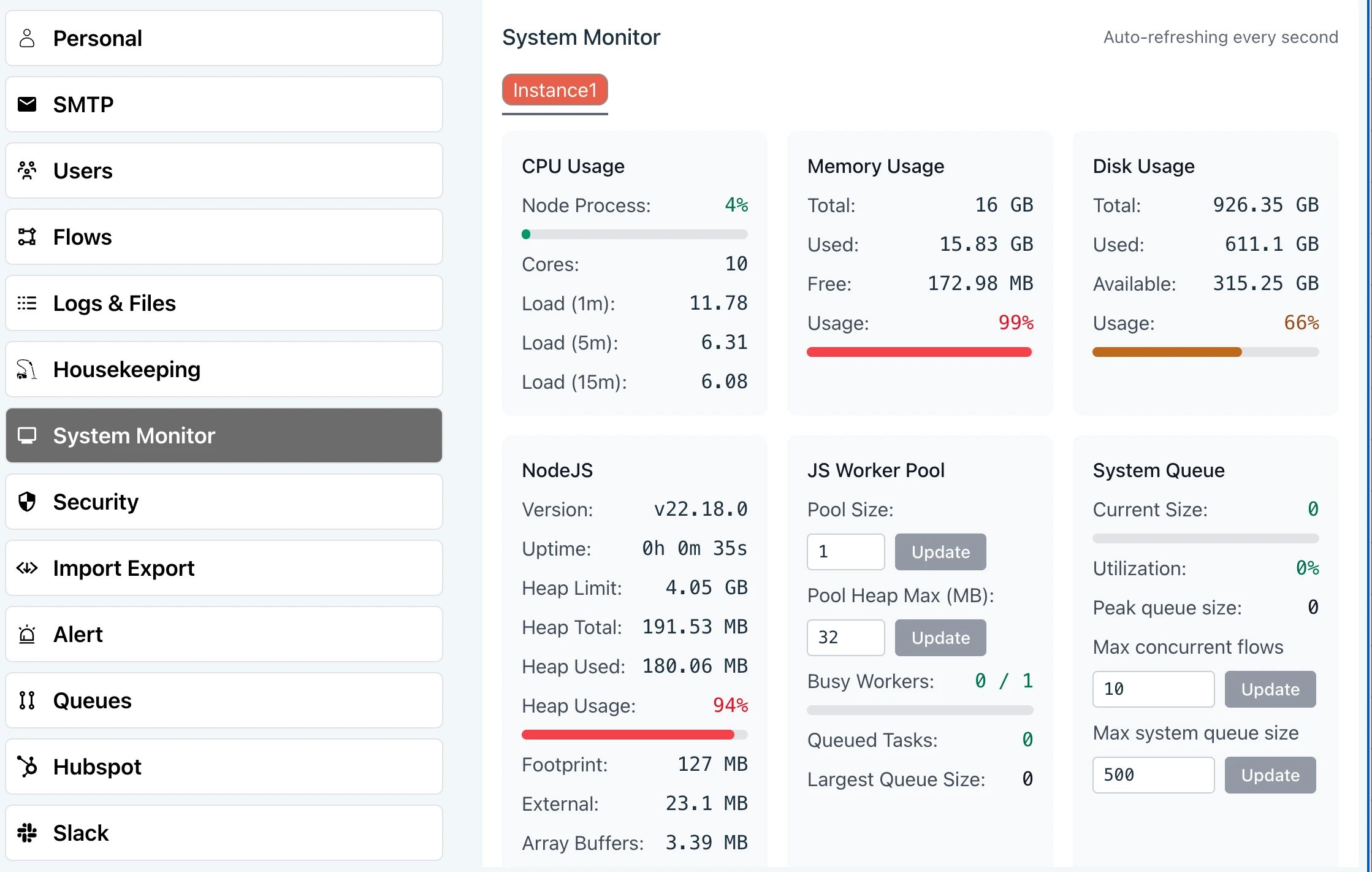
Monitor
Ziggy has two monitoring screens. One shows currently executing flows and another for key server resource levels (shown).
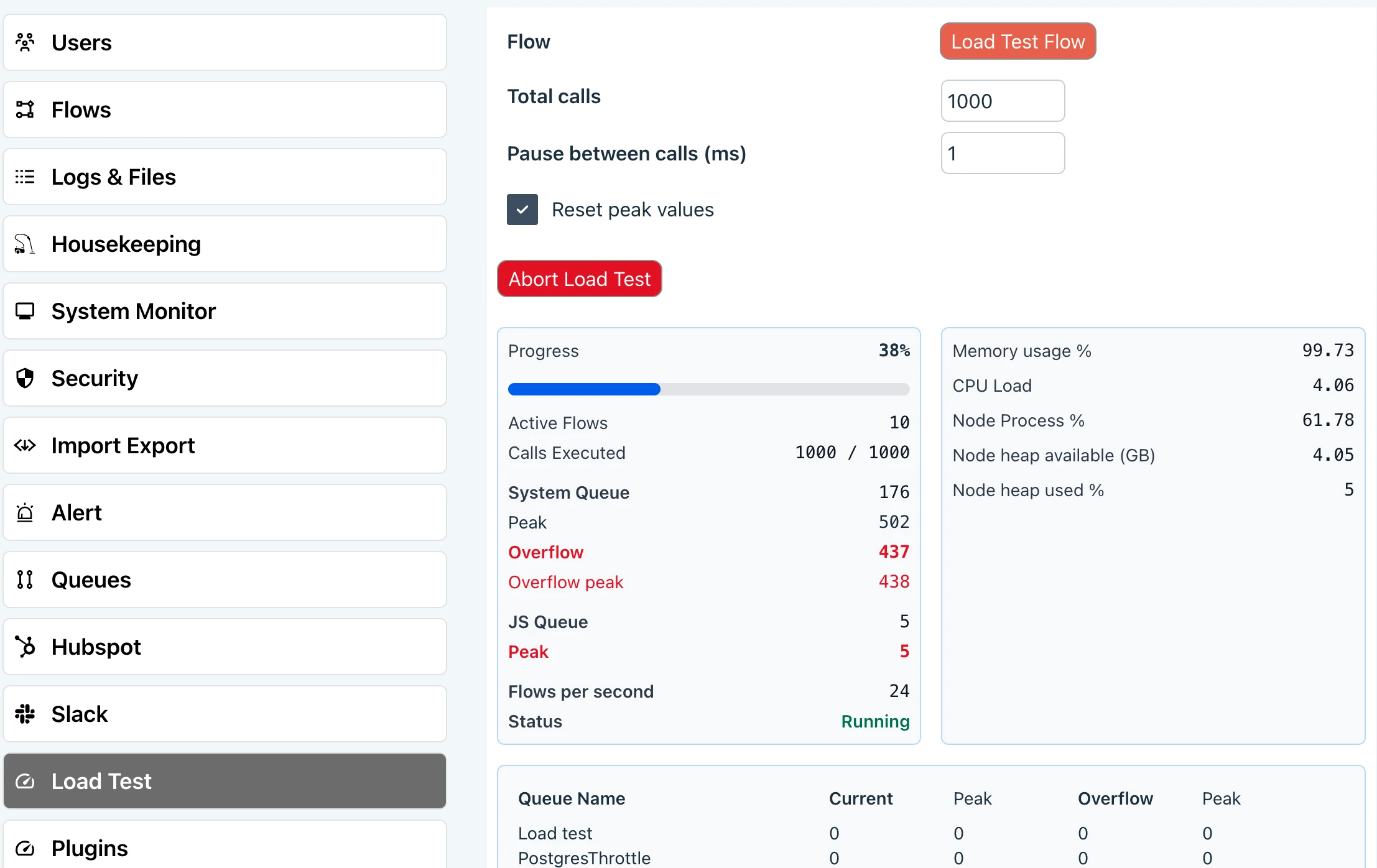
Load Testing
Use Ziggy's internal load tester or use your own for more varied tests.